Gigasheet's national price transparency dataset holds more than 150 billion negotiated rates across payers, providers, and billing codes. Most queries return in seconds, but a few habits keep large queries from slowing down or timing out.
1. Filter by state first
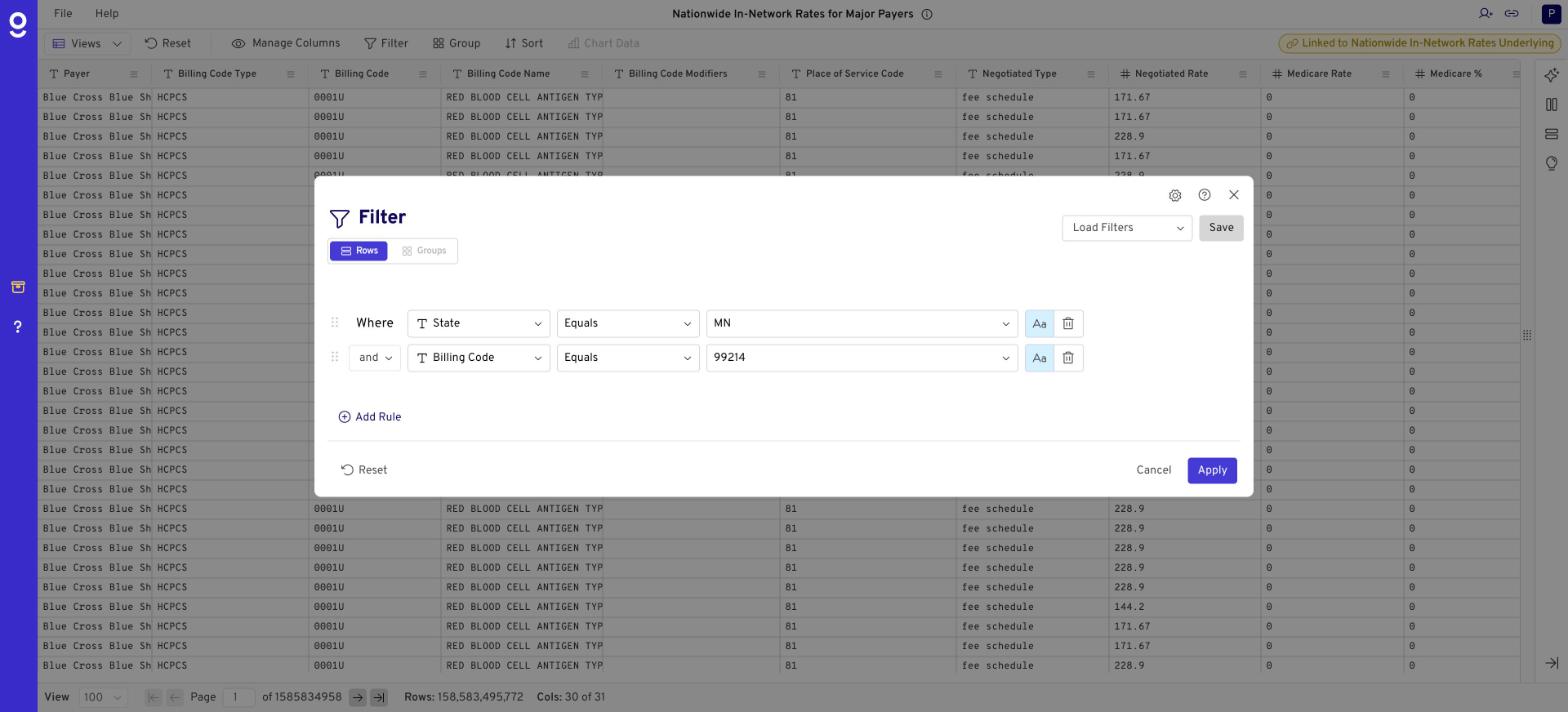
Add a State filter before anything else, using the two-letter uppercase abbreviation (e.g., MN). This narrows the data the most and is the single biggest speed gain.
2. Use case-sensitive filters
Filters are case-insensitive by default. Switching a filter to case-sensitive, with values that match the data exactly (e.g., "MN," not "mn"), makes it faster.
3. Add filters before groupings and aggregations
Filter by billing code, payer, or taxonomy first, then group and calculate medians. Grouping the full national dataset before filtering is the slowest path.
4. Remove sorts on large groupings
Sorting billions of rows is expensive. If a grouped or aggregated query is slow, remove the sort and add it back once the result set is small.
5. If a query is slow
- Close the "taking a long time" notice; the query keeps running.
- Refresh the browser to see results once it completes.
- Click Reset to clear groupings and start over.
6. Use the API for very large pulls
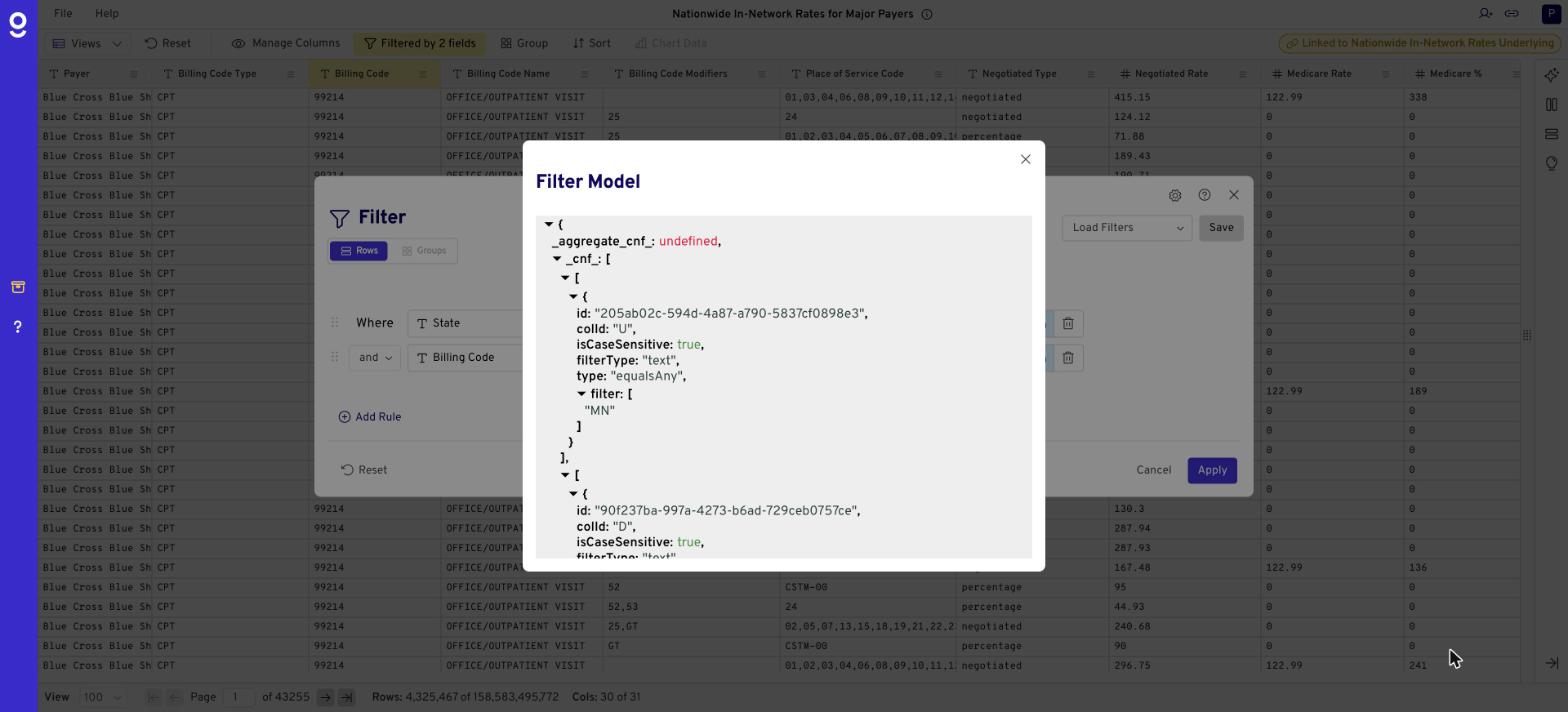
The UI works best for exploration. For nationwide extracts or repeated jobs, the Gigasheet API can run longer queries. Click the gear icon in the filter panel to see the exact API request behind your current view. See Gigasheet API.
7. Ask us about nationwide analysis
Running national-scale aggregations? Submit a ticket and our engineering team can suggest the fastest approach.
Related: What Are the Negotiated Rate Types in Price Transparency Data? · Price Transparency Explorer FAQ · Bulk price transparency data
Was this article helpful?
That’s Great!
Thank you for your feedback
Sorry! We couldn't be helpful
Thank you for your feedback
Feedback sent
We appreciate your effort and will try to fix the article